
Snap your home,
get your maintenance plan.
Identifies every appliance, builds a year of maintenance reminders, tells you exactly what to buy when.
iPhone · iOS 17+ · Free at launch.
How it works
-
1
Walk around with your phone
Snap a photo or two in each zone — kitchen, bathroom, HVAC closet, basement, outside. Skip anything you don't have.
-
2
Get your inventory
HomeBeatAI identifies the appliances, reads nameplates, figures out filter sizes. Add anything we miss with a quick manual entry.
-
3
Follow the plan
Push reminders at the right time. A shopping list that consolidates everything you need across upcoming tasks, with one-tap order links.
What's inside
See a stain, a leak, rust, something that looks off? Take a photo. HomeBeatAI tells you what it likely is, how urgent it is, and whether you can DIY it or should call a pro.
Filters, vinegar, descalers, sealant — everything your upcoming tasks need, deduplicated across appliances, with direct Amazon links.
One notification the day before a task is due, at 9am. No spam, no dark patterns, no "you missed a step" guilt trips.
Beyond the standard catalog, if you have something unusual — wine fridge, robot vacuum, smart blinds — our AI proposes sensible maintenance tasks specifically for it. Always clearly marked.
From scan to shopping cart
What that looks like for a typical home this month.
HomeBeatAI found these and built a year-long plan:
- • Clean dishwasher filter
- • Run washer cleaning cycle
- • Wipe down dryer lint trap
- • Vacuum the fridge coils (later this month)
Everything those tasks need — deduplicated, with one-tap Amazon links:
-
Buy on Amazon ↗Washer cleaning tabletsFor the washing machine drum cycle
-
Buy on Amazon ↗Coil brushFor fridge coil dusting
-
Buy on Amazon ↗Dish brushFor scrubbing the dishwasher filter
-
Buy on Amazon ↗White lithium greaseGarage-door rollers, due next quarter
Affiliate disclosure. As an Amazon Associate, HomeBeatAI earns a small commission on qualifying purchases made through these links, at no extra cost to you. Our recommendations come from our curated catalog and from AI — the commission has no influence on what we surface.
See it in action
Real screenshots — not mockups.
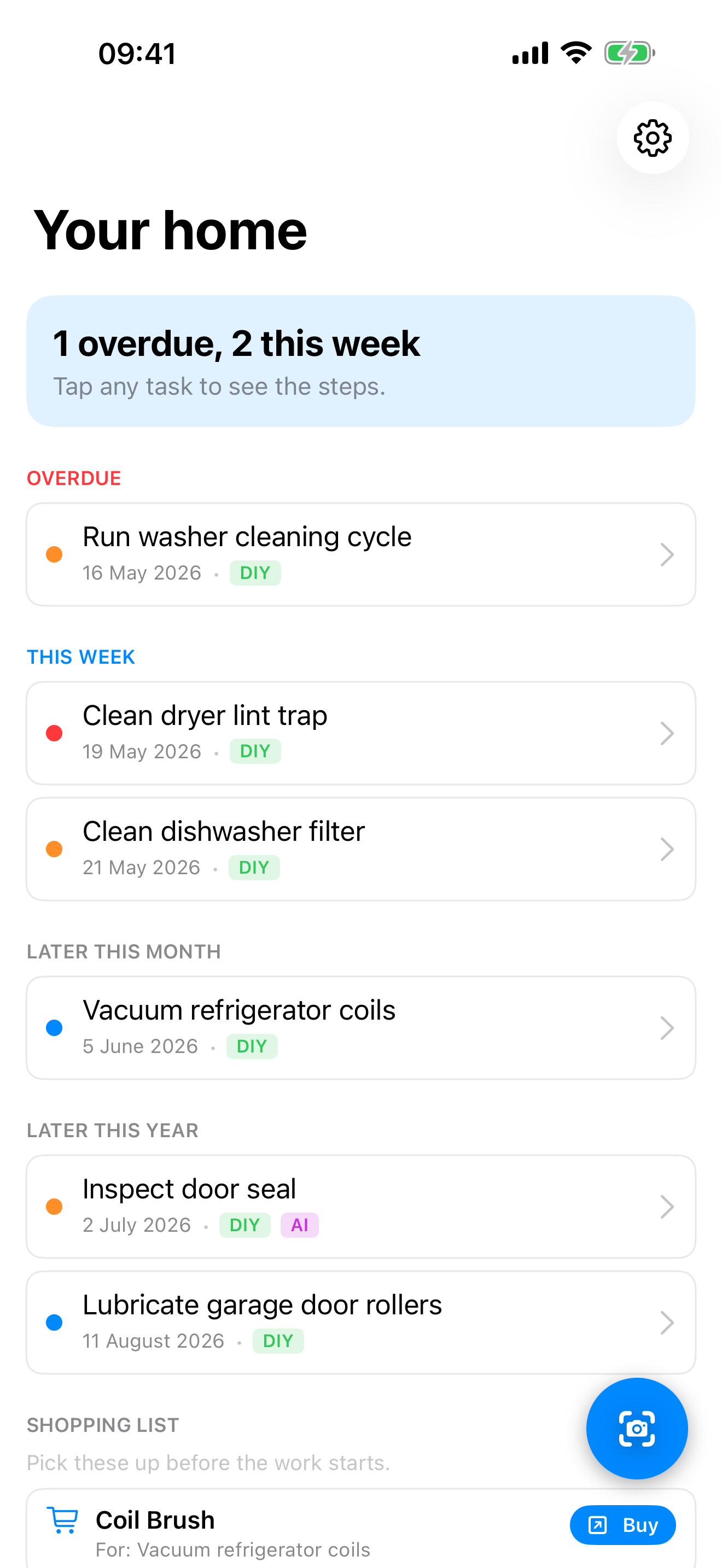
on one screen.
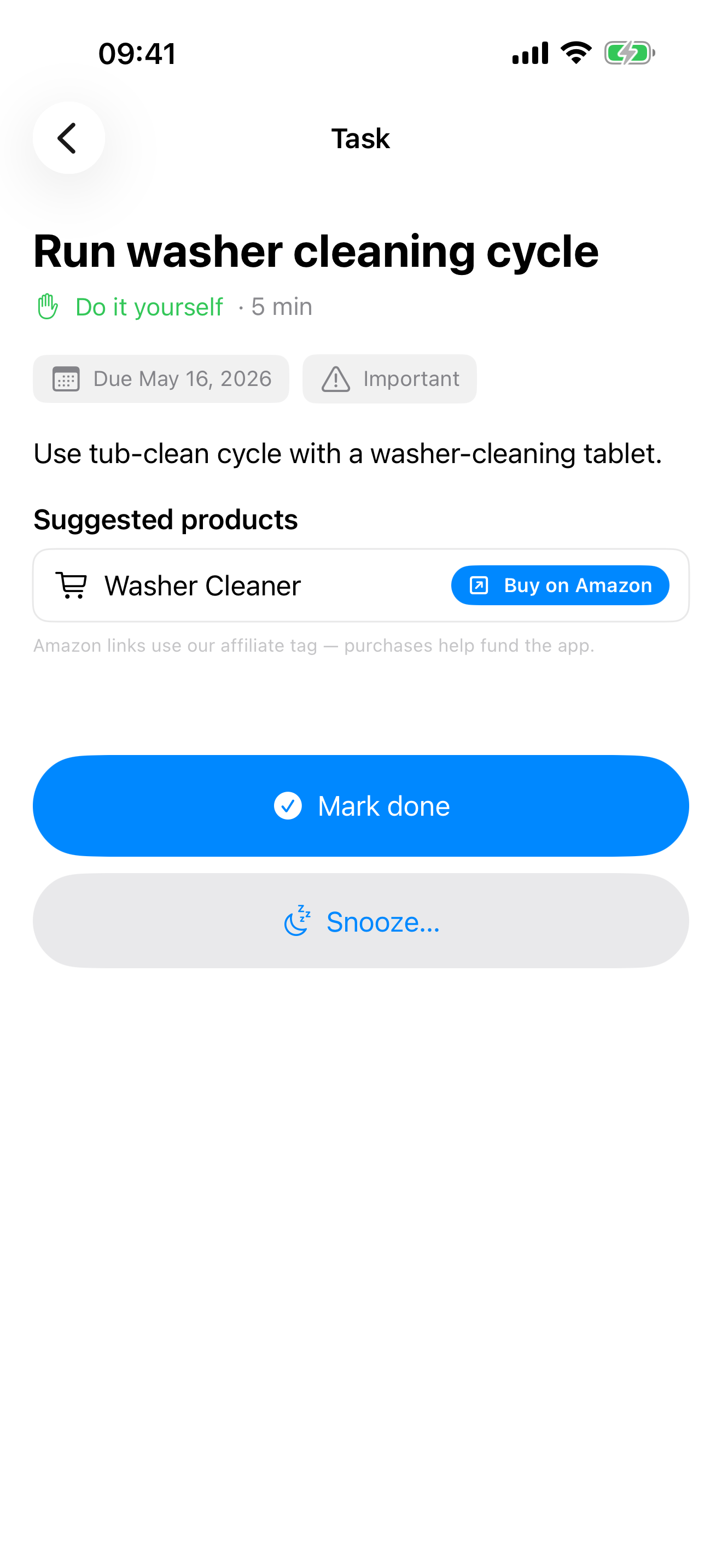
when.
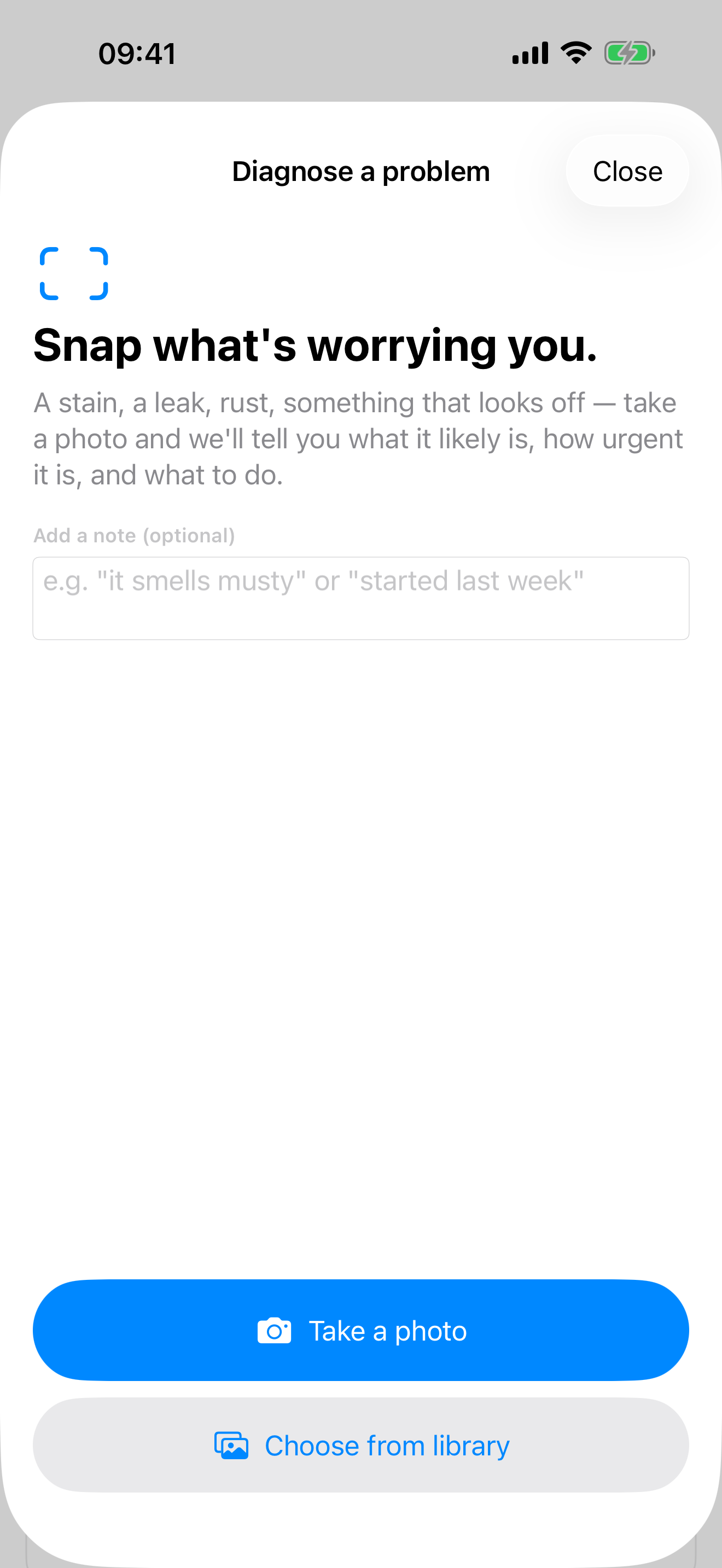
get an answer.
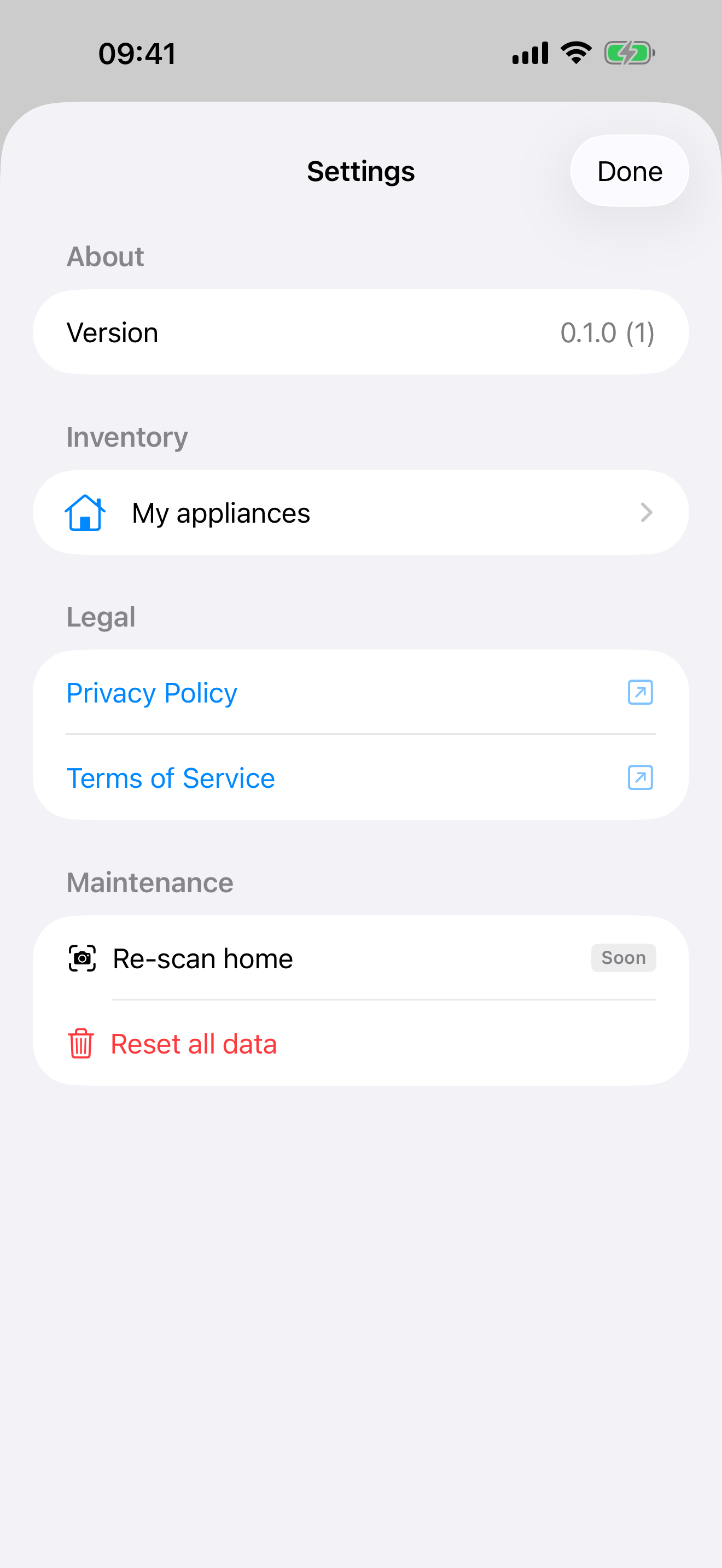
no questions asked.
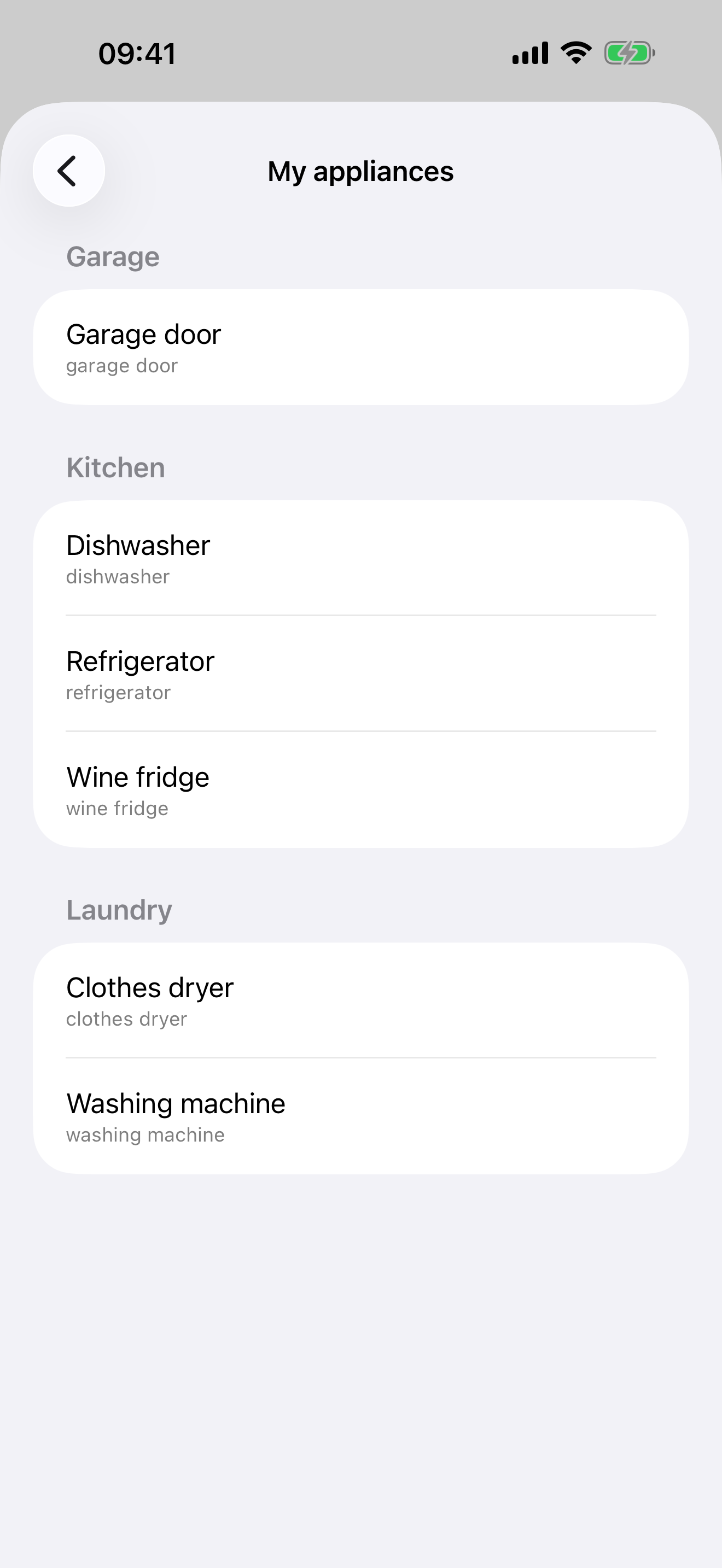
grouped by zone.
FAQ
Do I need to scan everything at once?
No. Start with one zone — the rest can wait. You can add more appliances any time from Settings → My appliances.
Is it free?
Yes. The core scan, maintenance plan, reminders, and "Snap a problem" diagnoses are all free at launch.
Where do my photos go?
They're sent to our server only to be analyzed by Google Gemini, then discarded. We don't keep the images. See Privacy Policy.
What if I have something unusual the app doesn't know?
Add it manually with a name. Our AI proposes 1–3 maintenance tasks for any appliance, even ones outside our standard catalog. AI-generated tasks are clearly marked.
Do you sell my data?
No. We don't sell data, don't show ads in the app, and don't track you across other apps. We make money through Amazon affiliate links on the shopping list — if you buy a recommended product, we earn a small commission at no cost to you.
Which devices does it support?
iPhone running iOS 17 or later. iPad support and Android are on the roadmap.
How do I delete my data?
In-app: Settings → Reset all data wipes your home profile, inventory, and tasks immediately. To delete server-side records too, email us — see Privacy Policy.
Ready to get on top of your home?
Download HomeBeatAI on the App Store — free, no account, no ads.
Download on the App Store